
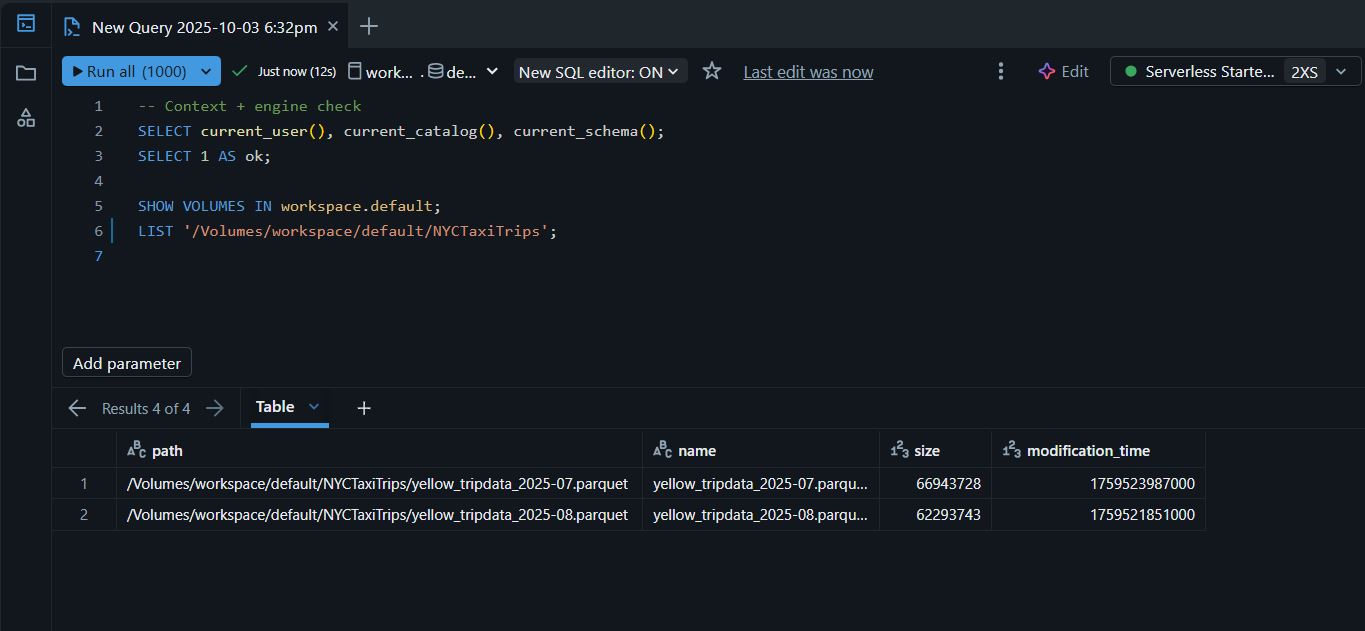
Step 1 — Open SQL Editor & verify connection to the SQL Warehouse “Serverless Starter Warehouse 2XS”
-- Context + engine check
SELECT current_user(), current_catalog(), current_schema();
SELECT 1 AS ok;

SHOW VOLUMES IN workspace.default;
LIST '/Volumes/workspace/default/NYCTaxiTrips';
Step 2 — Browse the Samples Catalog
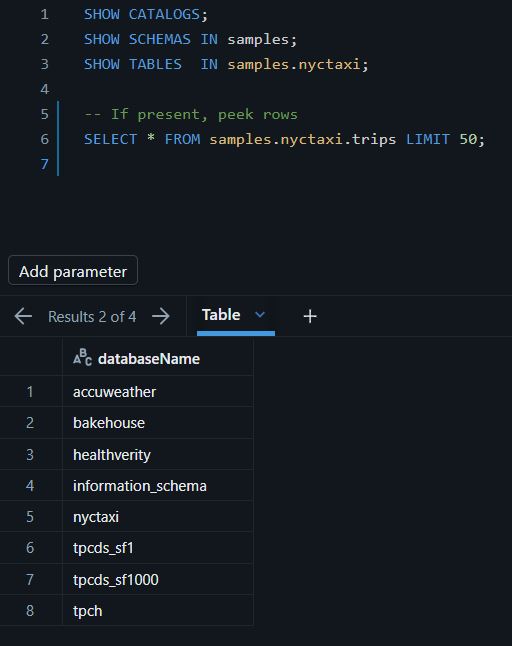
SHOW CATALOGS;
SHOW SCHEMAS IN samples;
SHOW TABLES  IN samples.nyctaxi;
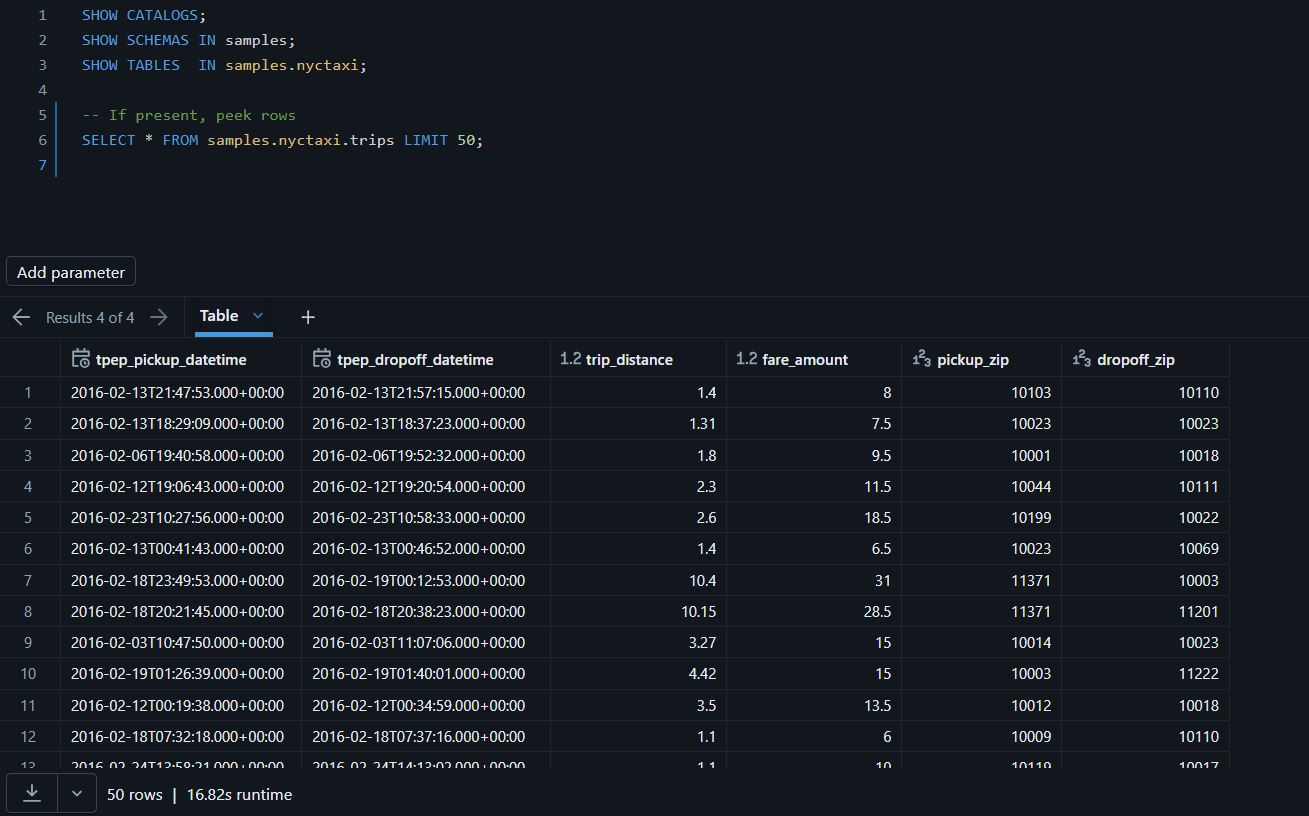
SELECT * FROM samples.nyctaxi.trips LIMIT 50;
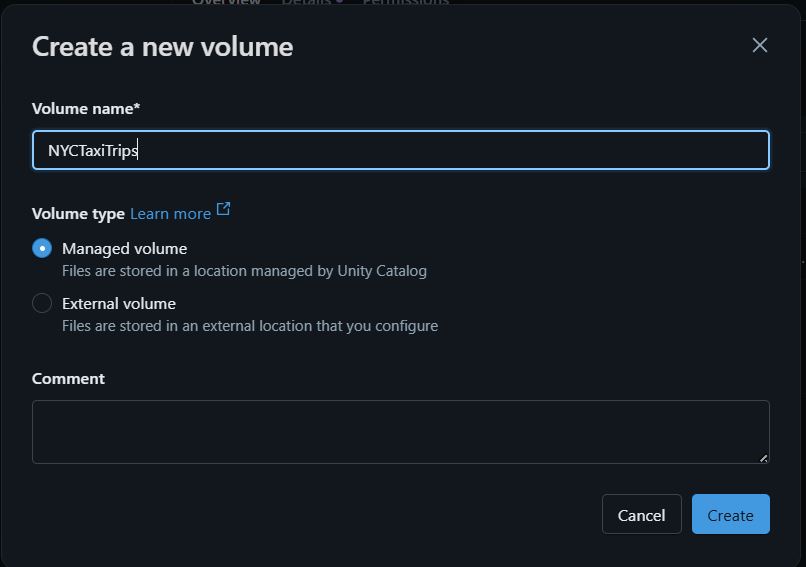
Step 3 — Create a Managed Volume for raw files
- Path: Catalog Explorer ➜ workspace ➜ Create ➜ Volume / Table / Model
- Pick Schema: default ➜ Type: Managed ➜ Name: NYCTaxiTrips
- Files land under: /Volumes/workspace/default/NYCTaxiTrips/…
SHOW VOLUMES IN workspace.default;
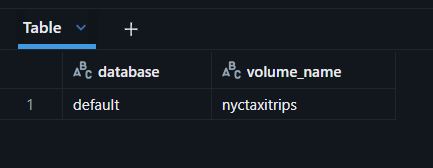
Step 4 — Upload Parquet files into the Volume (UI)
Catalog ➜ Volume (nyctaxitrip) ➜ Upload to volume
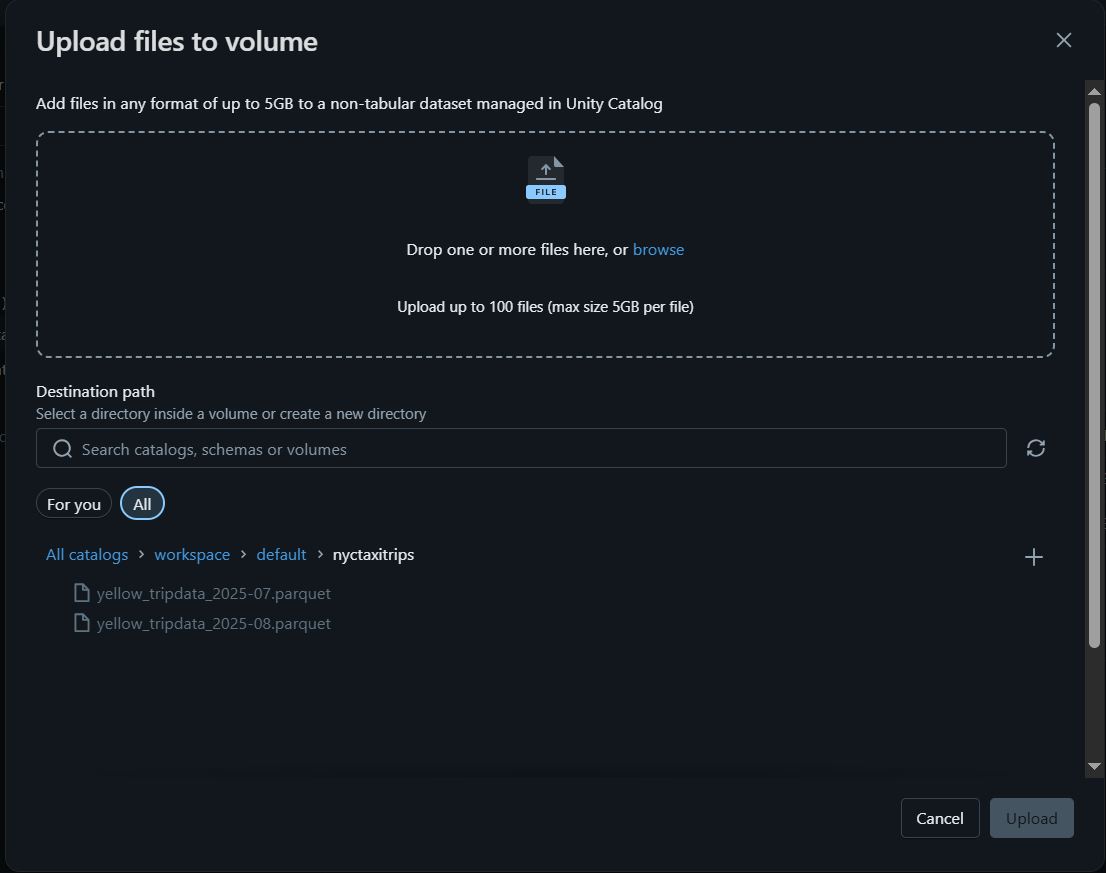
Confirm files landed
LIST '/Volumes/workspace/default/NYCTaxiTrips';

Step 5 — CTAS from Parquet → Delta (August 2025)
USE CATALOG workspace;
USE SCHEMA default;

CREATE OR REPLACE TABLE yellowtrips
USING DELTA AS
SELECT *
FROM read_files(
  '/Volumes/workspace/default/NYCTaxiTrips/yellow_tripdata_2025-08.parquet',
  format => 'parquet'
);
This is Databricks SQL (ANSI SQL with Databricks extensions). read_files() is a table-valued function that reads files from a Unity Catalog Volume or external location, and format => ‘parquet’ uses Databricks’ named-argument syntax (=>).
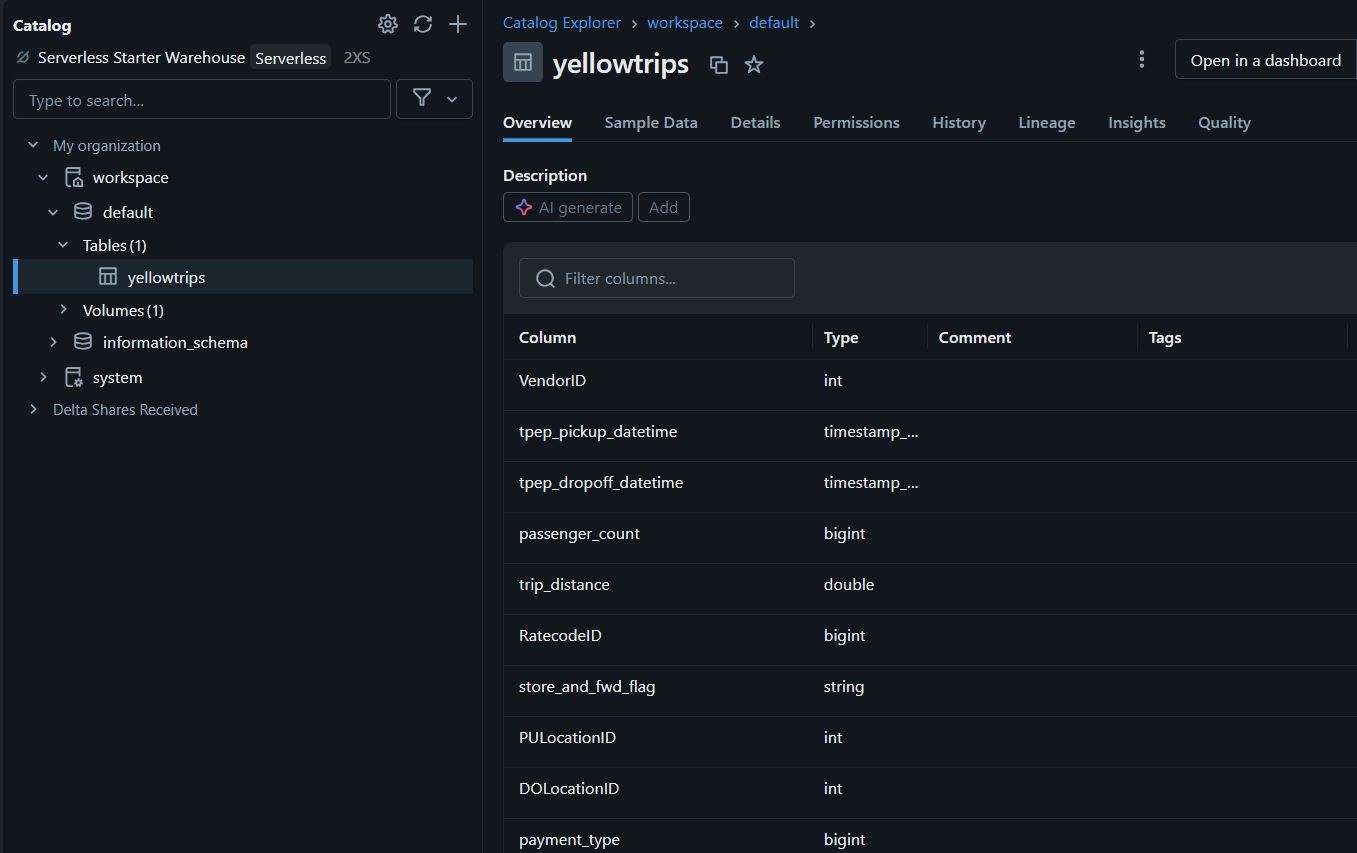
Step 6 — Baseline validation of the new table
DESCRIBE TABLE YellowTrips;
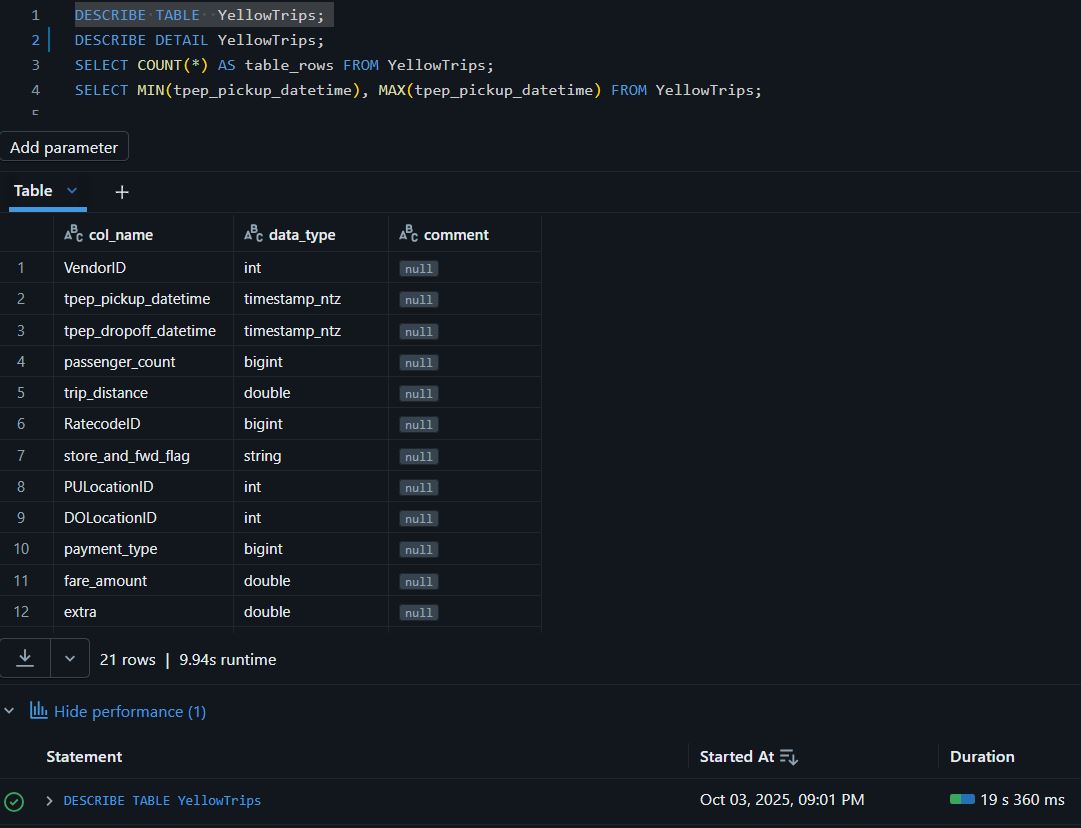
ANALYZE TABLE YellowTrips COMPUTE STATISTICS;
DESCRIBE EXTENDED YellowTrips;
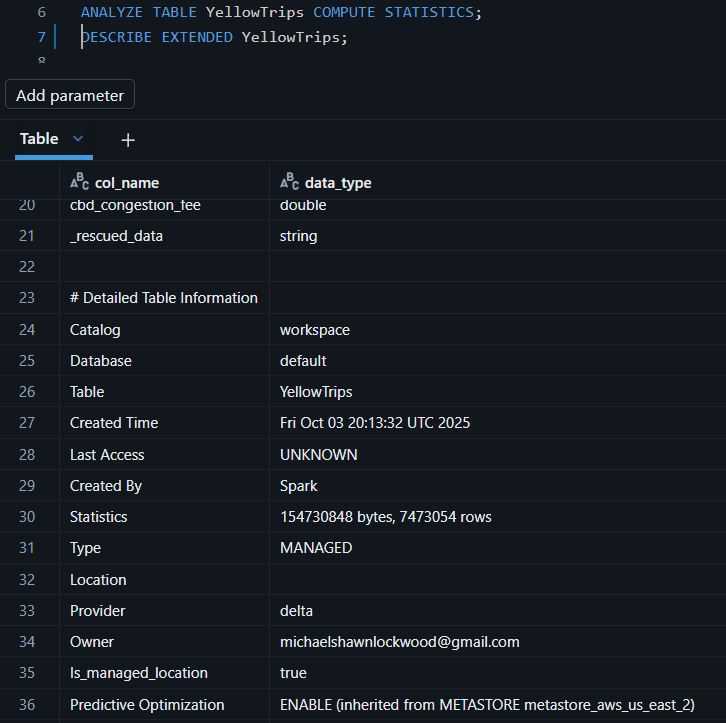
You can query DESCRIBE HISTORY like a table, then extract operationMetrics fields (they’re strings in a MAP) and cast them. Here are the patterns:
SELECT
  version,
  timestamp,
  operation,
  CAST(operationMetrics['numOutputRows'] AS BIGINT) AS num_output_rows
FROM (DESCRIBE HISTORY YellowTrips)
WHERE operation IN (
  'COPY INTO',
  'WRITE',
  'CREATE TABLE AS SELECT',
  'REPLACE TABLE AS SELECT'
)
ORDER BY version DESC
LIMIT 10;

Step 7 — File vs. Table cross-check (row counts)
-- File (Parquet) count
SELECT COUNT(*) AS file_rows
FROM read_files(
  '/Volumes/workspace/default/NYCTaxiTrips/yellow_tripdata_2025-08.parquet',
  format => 'parquet'
);

-- Delta table count
SELECT COUNT(*) AS table_rows FROM YellowTrips;
Step 8 — Append the July 2025 file (COPY INTO)
COPY INTO YellowTrips
  FROM '/Volumes/workspace/default/NYCTaxiTrips/yellow_tripdata_2025-07.parquet'
  FILEFORMAT = PARQUET;

-- Audit trail of the load
DESCRIBE HISTORY YellowTrips;
Step 9 — Profile (by month)
SELECT date_trunc('month', tpep_pickup_datetime) AS month,
       COUNT(*) AS trips
FROM YellowTrips
GROUP BY 1
ORDER BY 1;
Step 10 - Persist an audit table
CREATE SCHEMA IF NOT EXISTS etl_metrics;
CREATE TABLE IF NOT EXISTS etl_metrics.yellowtrips_loads (
  version BIGINT, ts TIMESTAMP, op STRING,
  rows BIGINT, bytes BIGINT
);

INSERT INTO etl_metrics.yellowtrips_loads
SELECT
  version,
  timestamp AS ts,
  operation AS op,
  TRY_CAST(element_at(operationMetrics,'numOutputRows')  AS BIGINT) AS num_output_rows,
  TRY_CAST(element_at(operationMetrics,'numOutputBytes') AS BIGINT) AS num_output_bytes
FROM (DESCRIBE HISTORY YellowTrips) h
WHERE h.operation IN ('COPY INTO','WRITE','CREATE TABLE AS SELECT','REPLACE TABLE AS SELECT')
  AND h.version > COALESCE((SELECT MAX(version) FROM etl_metrics.yellowtrips_loads), -1);

SELECT * FROM etl_metrics.yellowtrips_loads;
Step 11 — Day-1 Wrap-Up & Next
What is proven: warehouse online, catalog browsing, Volume staging, CTAS to Delta, append via COPY INTO, and validation queries.
Next session (Phase 3/4):
- Build an explicit-schema twin (YellowTrips_Strict) and compare types.
- Start tuning: OPTIMIZE YellowTrips ZORDER BY (tpep_pickup_datetime); then measure before/after.
- Test Time Travel and DESCRIBE HISTORY to illustrate ACID versioning.